Published by Dr. Malik Sherjeel Awan, Makkah
Moving into a flat in Madinah means sorting three household services in your first week: electricity, water and internet. Most of it is now done through official apps, as long as you know who holds each account. This guide walks through the order residents usually follow, without quoting tariffs that change.
Quick answer
Short answer: Before you sign a lease, ask the landlord who holds the electricity and water accounts for the unit and how meter readings will be settled at move-in. You can view and pay electricity bills in the official Alkahraba app, which the National Platform lists as available 24/7 (my.gov.sa). Water accounts are managed by the National Water Company (NWC) through its website and app. For internet, ask building management which providers already serve the building before you commit.
Step 1: Settle the accounts before you sign
Most disputes between tenants and landlords over bills start with an unclear handover. Before you sign on Ejar, ask:
- Which electricity account number and meter belong to your unit?
- Is there any outstanding balance, and who pays it?
- Is water metered separately, or shared across the building?
- Which internet providers already have lines into the building?
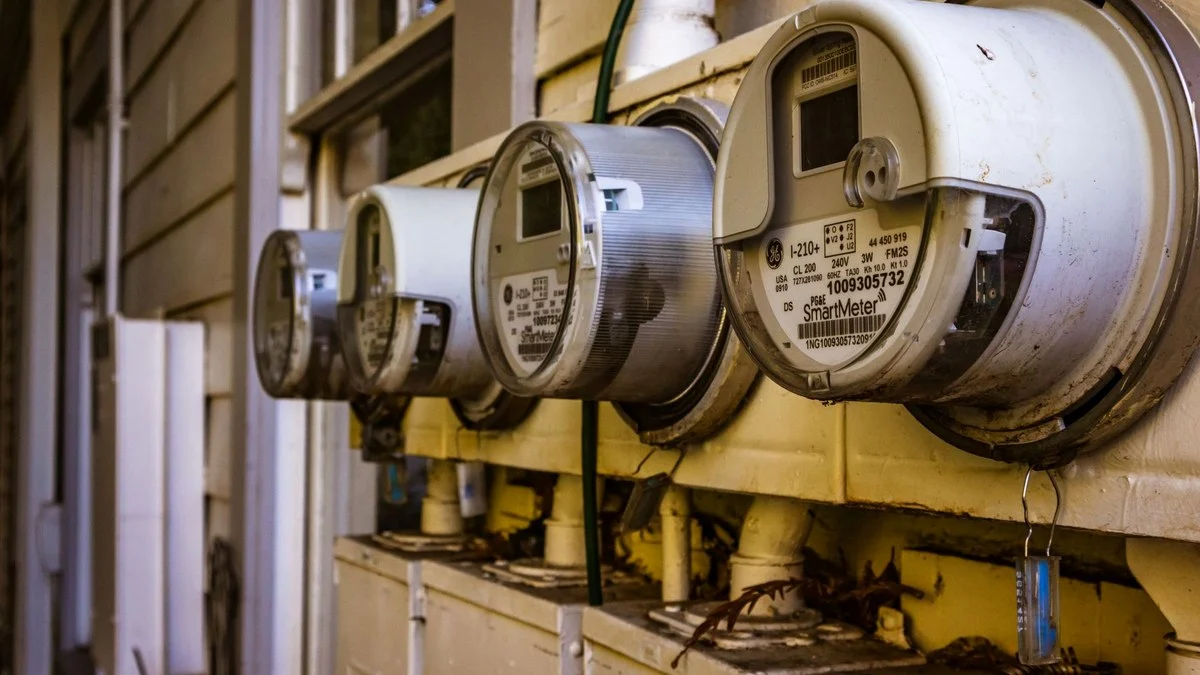
Take photos of the meter readings on the day you move in. Our housing checklist and Ejar guide covers the rest of the lease checks.
Step 2: Electricity in the Alkahraba app
The National Platform lists Electricity Bill Viewing and Payment through the official Alkahraba app. It lets you view your monthly bill, follow your consumption and pay. The payment channels listed include mada and credit card.
- Download the app only from the official store links on the National Platform page.
- Add your account using the number from the landlord’s paperwork or an earlier bill.
- Turn on bill notifications. Air-conditioning drives most household use in Madinah’s long summer, so watch your consumption from the first month.
For a full walkthrough, see Infosaudia’s guide on how to check and pay your electricity bill online.
Step 3: Water with NWC
Water and wastewater services are run by the National Water Company, which offers residential services through its website, app and customer centres. NWC says a new water and wastewater connection must be requested by the property owner. As a tenant, confirm which account belongs to your unit, add it to your NWC profile if you will be paying, and report leaks through official NWC channels.
Many households also buy bottled or filtered drinking water. Our drinking water guide explains the options without making claims about tap water.
Step 4: Home internet and mobile data
- Ask building management which fibre or home-internet providers already serve the building. Availability varies by street and district.
- Compare packages only on the providers’ official websites or apps. Promotions change often, so this guide does not quote prices.
- Until home internet is installed, many residents rely on a mobile data plan. Infosaudia’s mobile SIM guide for new residents explains how to get a line.
Step 5: Budget for bills
Electricity is the household bill that changes most with the seasons in Madinah. Use the consumption history in the app to plan rather than guessing. Our cost of living in Madinah guide shows how to build a monthly budget around it.
Move-in checklist
- Electricity account number confirmed and added in Alkahraba
- Water account confirmed and added in NWC if you pay it
- Meter photos taken on move-in day
- Internet provider confirmed for the building
- National Address registered for the new home (first-month checklist)
From our sister guides: Bank account, electricity and water basics in Makkah (Living in Makkah); What to do in a power or water cut (Living in Makkah).
Sources
- National Platform, Electricity Bill Viewing and Payment (Alkahraba app)
- National Water Company, Residential sector services
- National Water Company, Water and wastewater connection request (applicant should be the property owner)
- Saudi Electricity Company, How to read your bill
Last checked 22 November 2026. General information only. Services, apps and rules are set by the relevant providers and authorities and can change, so confirm on their official channels before you act.