By Dr. Malik Sherjeel Awan, PsyD · Last checked 23 November 2026
Published by Dr. Malik Sherjeel Awan, Makkah
A working Saudi mobile number and a bank account are the two things that unlock almost everything else in Madinah: Absher codes, rent payments, salary, deliveries and bills. This guide explains the usual order and what the official rules say, so your first week in Madinah goes smoothly.
Quick answer
Short answer: Buy your SIM or eSIM only from a licensed operator’s store, app or authorised dealer, and complete identity verification with your iqama. Then check which numbers are registered to your ID with the regulator’s Inquire about my numbers service. For a bank account, the Saudi Central Bank (SAMA) rulebook generally expects a copy of your iqama, your address in Saudi Arabia and your home-country address (SAMA). Banks may ask for more.
Order of play for your first week
- Residency details and Absher working: many services use the national single sign-on linked to Absher. See our Absher guide for Madinah residents.
- Mobile SIM: verification codes come to your phone, so set this up early.
- National Address for your home: banks and delivery services ask for it. See our first-month checklist.
- Bank account: once your iqama and address are in place.
Getting a mobile SIM
- Buy from a licensed operator’s own store, website or app, or a clearly authorised dealer. Avoid street sellers offering a “ready” SIM. A line should be registered to your own ID, which you can check in Argami.
- Bring your valid iqama. Verification steps, such as a fingerprint check, can vary by operator and product.
- After activation, use the Inquire about my numbers (Argami) service from the Communications, Space and Technology Commission (CST). It shows every active number and data SIM registered to your ID, so you can report any you don’t recognise.
We don’t list plan prices because they change often. Read the full total, including VAT, at the operator’s official checkout. For the full national process, see Infosaudia’s mobile SIM guide for new residents.
Opening a bank account
SAMA publishes the account-opening rules banks follow. For expatriates, the rulebook generally expects:
- A copy of your iqama (residence permit)
- Your address in Saudi Arabia (your National Address helps)
- Your home-country address
Each bank may ask for extra documents as part of its own checks, such as contact details or a letter from your employer. Practical tips from residents:
- Ask your employer which bank payroll uses. Salary transfers within the same bank are often simpler.
- Many banks let you start the application in their app. Check the bank’s list of required documents before you visit a branch.
- Turn on app notifications and two-factor security straight away.
- Never share an OTP or card details with anyone who calls you, even if they say they are from your bank or a government body.
Infosaudia’s bank account guide explains which requirements stay the same and which vary by bank.
Sending money home
Money transfer is a licensed payment service in the Kingdom. Use your bank’s app or a licensed remittance provider, and check the fee and exchange rate on the official screen before you confirm.
First-week checklist
- Absher and the national sign-on working; phone number current
- SIM bought from a licensed operator and verified with your iqama
- Numbers on your ID checked in Argami
- National Address registered
- Bank account opened; app security turned on
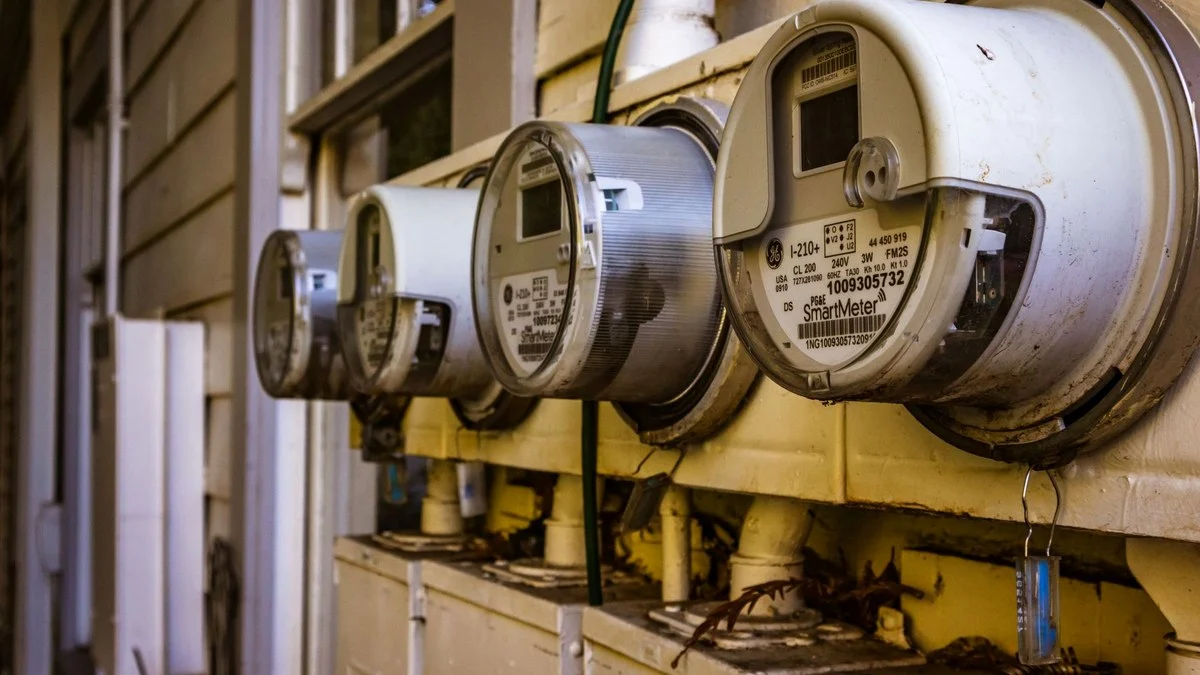
- Utilities set up: see our electricity, water and internet guide
From our sister guides: Mobile plans in Makkah: choosing and switching (Living in Makkah); Essential apps for Madinah residents.
Sources
- https://my.gov.sa/en/services/25757
- https://www.cst.gov.sa/en/
- https://rulebook.sama.gov.sa/en/20013-expatriates-saudi-arabia
- https://rulebook.sama.gov.sa/en/100-general-instructions-opening-bank-accounts
- https://rulebook.sama.gov.sa/en/implementing-regulations-payments-and-payment-services-law
Last checked 23 November 2026. General information only. Services, apps and rules are set by the relevant providers and authorities and can change, so confirm on their official channels before you act.